My thanks to StartWrite for sending their software in exchange for a review!
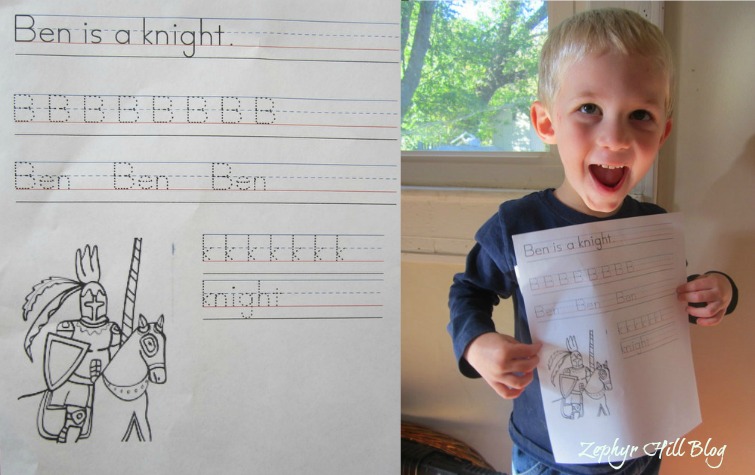
I recently discovered StartWrite, which is an easy-to-use software program that generates customized handwriting practice sheets for your child or your students. We’ve been using a lot for homeschooling and my children love it! Writing words and letters is much more fun when you’re writing about things you like. Using StartWrite (aff link), the sky is the limit. For example, this morning I created a practice sheet for Benjamin and it took about 3 minutes. He loves knights, so that was the theme I used.
Here are some of the neat features in StartWrite:
1. You can easily add borders, images and clipart to your sheets. Use pre-installed images, or your own.
2. You can change the density (number of dots), size and style of the text for your child to copy, trace or read.
3. You can add “start dots” to your letters, which are great helpers for little ones who are just learning the strokes.
4. You can add color to your letters!
5. There are 20 different classic manuscript and cursive fonts to choose from.
That’s just an overview! We’ve been using the program for a few weeks and I’m still discovering great features in the program.
Besides school, here are a few more of my ideas for using StartWrite:
1. Children can create notes and letters for friends and family. Your children will be proud of their neat handwriting and the colorful artwork.
2. You can make posters and flyers for your children to complete and display for private or even public use (for example – a lost and found or yard sale ad).
3. StartWrite would make it easy to design storybooks for or by your children.
4. Use StartWrite to write and teach Bible verses, prayers, poems and famous quotations – and embellish with art.
After downloading StartWrite, I was literally using it within 5 minutes. There are easy video tutorials on the website if you need help.
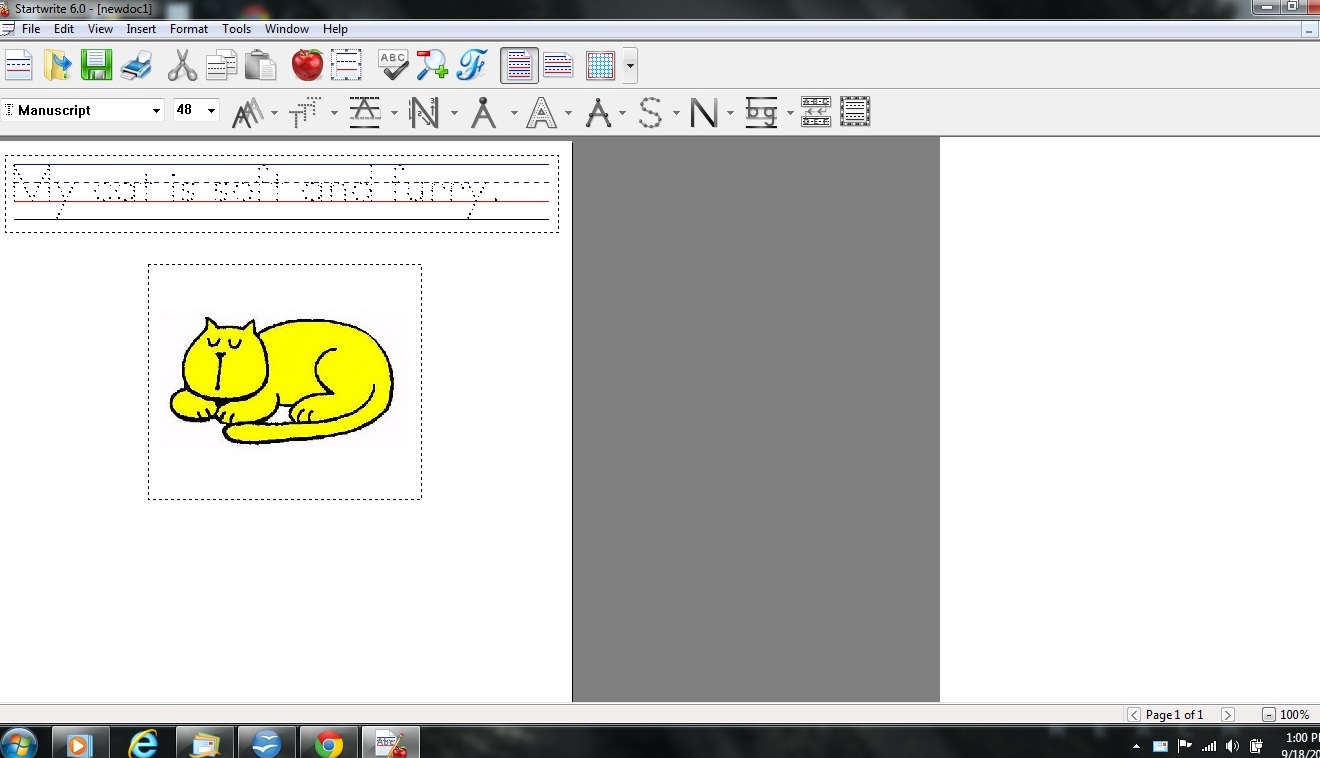
Here’s a screen shot of me working on my first project: a single line of text to trace, along with a color illustration. The interface is very straightforward and user-friendly. It has most of the same features you’re familiar with in a word-processing program – open, save, print, copy, paste, cut, hightlight, font size, etc.
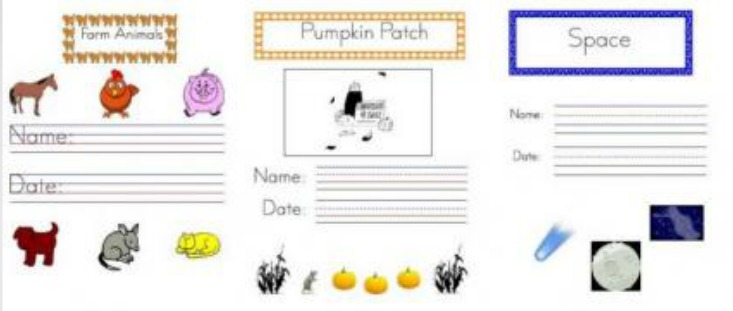
You can also purchase pre-made themed packages of practice sheets, starting at just $1.50. All the work is done for you. Just download and print. Here just a few examples of the packages available: farm, fall and space:
* How to Get StartWrite *
You can download a FREE trial at the StartWrite website
SPECIAL DISCOUNT: To purchase the StartWrite software for $24.95 with 10% off use code AFF12
* Connect with StartWrite *
Facebook: https://www.facebook.com/StartWrite
Twitter: http://www.twitter.com/StartWrite
View sample worksheets at: http://www.startwrite.com/sample_sheets.php

How neat! One of the things that I don’t like about tracing workbooks is that they aren’t personalized. My little girl is in Kindergarten this year, and we are homeschooling too. I will definitely have to look into this!
That is so cool. With two little ones in preschool I’m always looking for educational stuff for my girls. I’ll have to check this out.
Thanks so much for sharing! This is a really cool website– I will definitely check it out