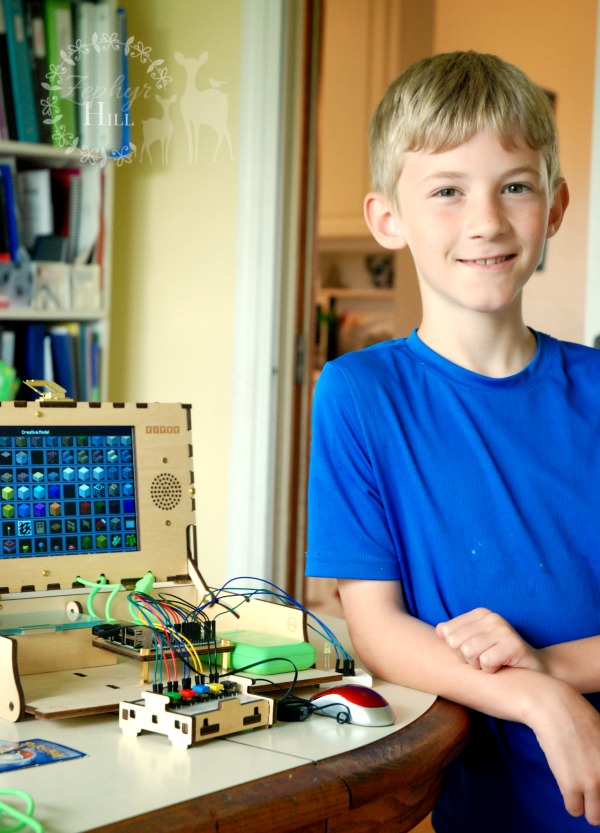
Computers drive our digital age, so it’s natural for today’s child to ask “how do you build them?” That’s what Piper’s Computer Kit is all about: bringing hands-on STEAM learning to children who are curious about computers and coding. They can actually build their own computer and then launch an exciting Minecraft mission to save Earth from destruction.
The Piper Computer Kit kit comes with everything you’ll need for the project from start to end; it’s all housed in a sturdy, protective wooden box.
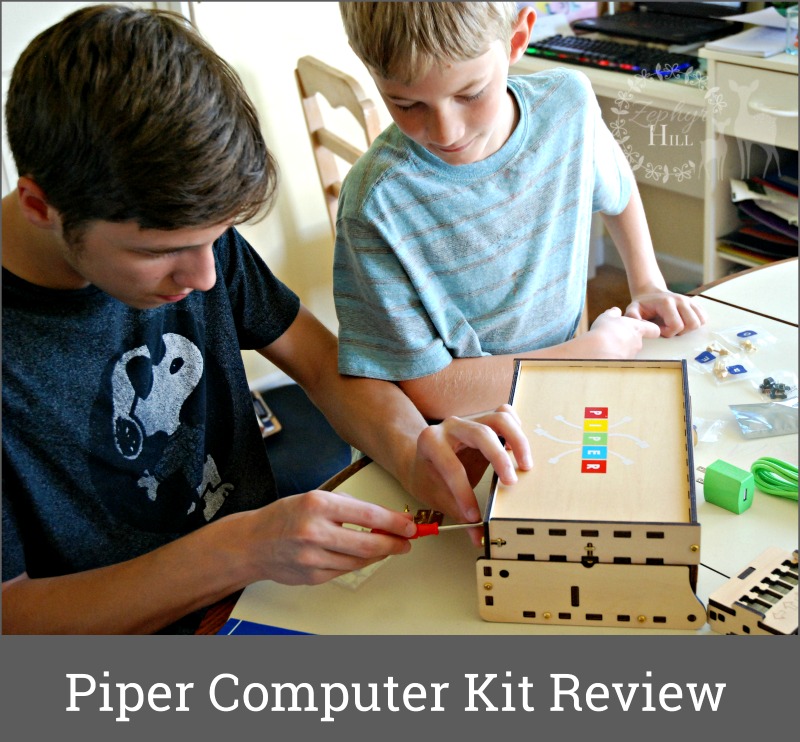
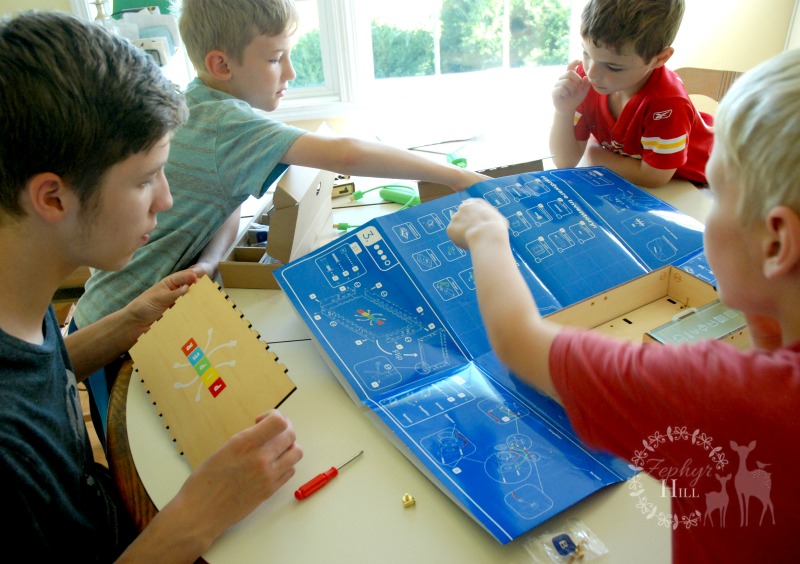
Working as as team, with 16-year-old Joseph supervising, the boys got started using the blueprint as a guide.
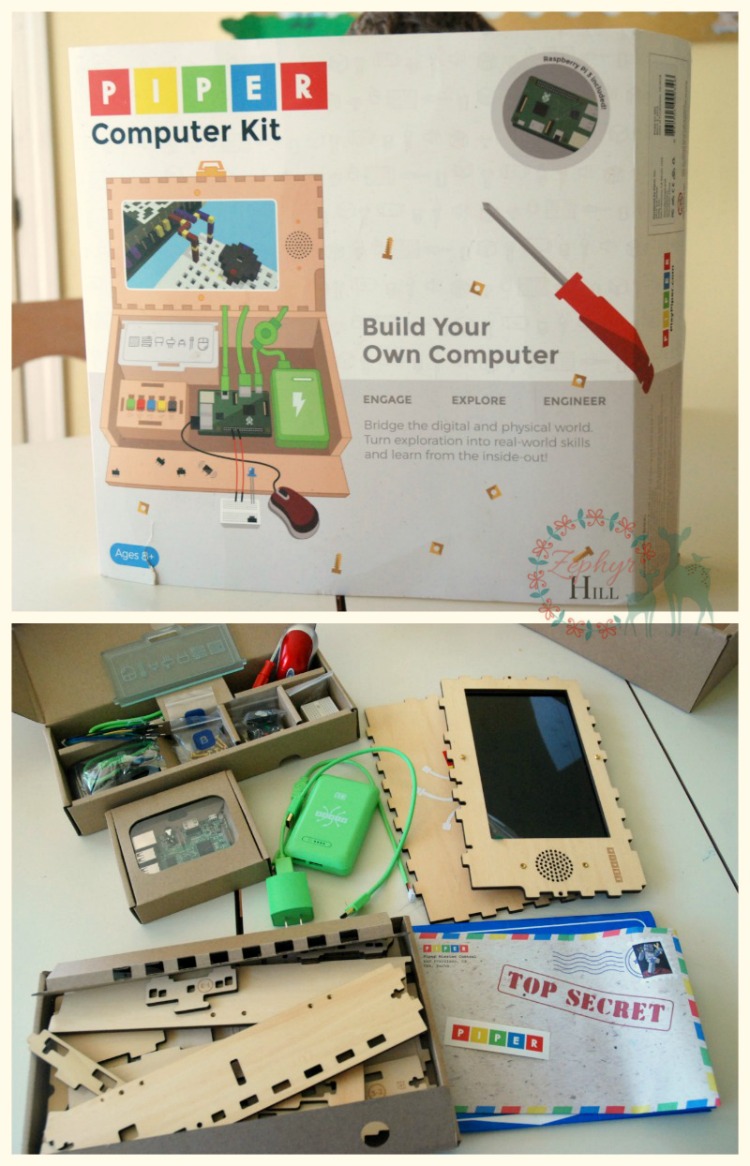
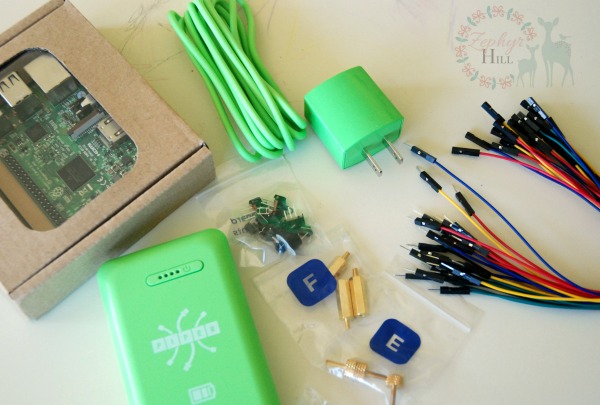
What’s in the box?
- 50+ hardware pieces
- 20+ electronic components
- 9″ LCD display with HDMI cable
- 7800 mAh rechargeable battery
- Integrated speaker
- 16GB MicroSD card
- Raspberry Pi 3 Model B with quad-core 1.2Ghz processor
- Phillips-head screwdriver
- Wi-Fi Software Updates
- 8 square foot laminated blueprint
- USB Mouse
Everything is clearly labeled and separated:
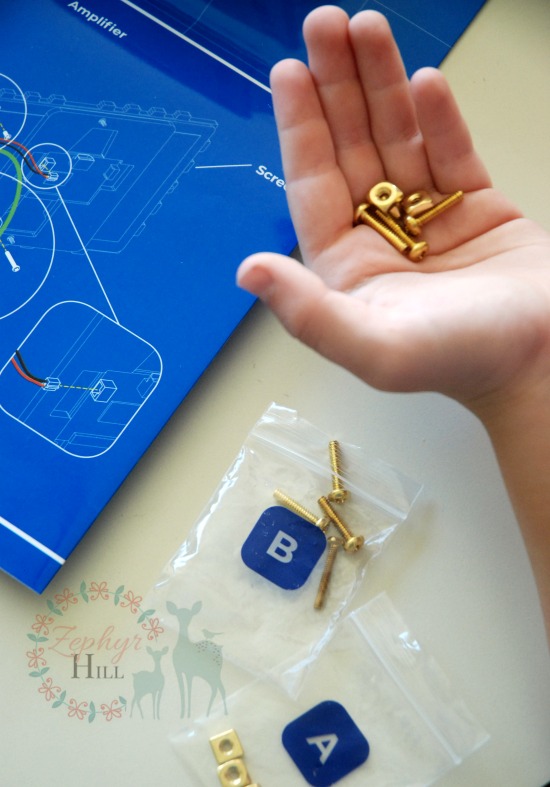
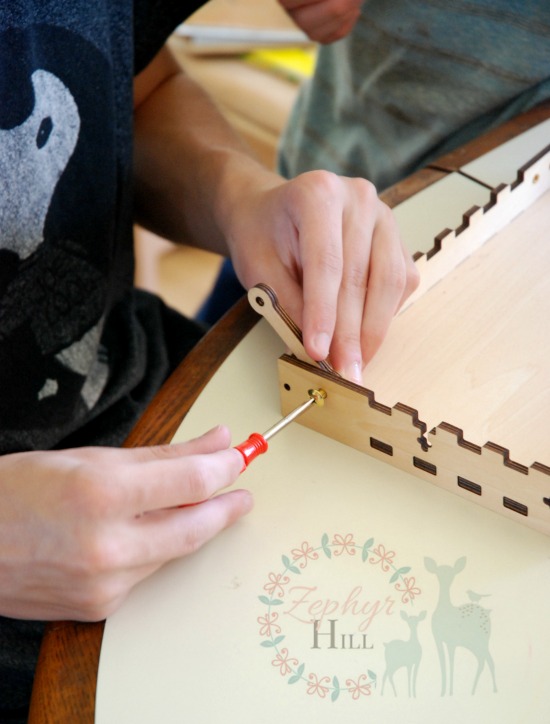
The majority of the assembly work involves putting together laser-etched wooden pieces. (Oh, and before you even get started with that, go ahead and charge up the battery!)
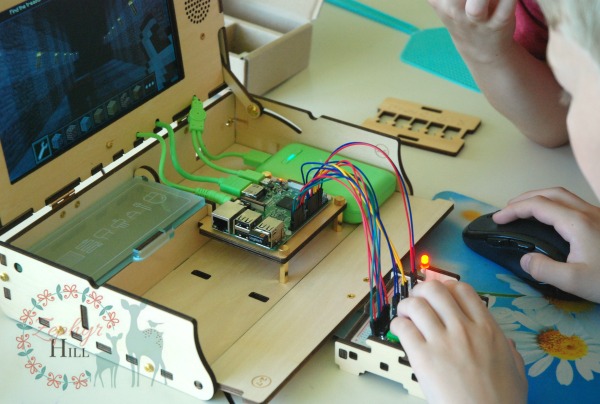
And then come the electrical components. Some of the wires and pins are very intricate, so younger children might need some assistance getting the circuits plugged into the correct holes.
And finally, the moment of truth arrives! With the core completed, it’s time to launch the mission. Minecraft provides the backdrop, and will walk your engineer through a series of tasks like creating functioning buttons, controls and switches.
The 9″ LCD screen pairs well with Minecraft visuals and adds a lot of value to the finished product.
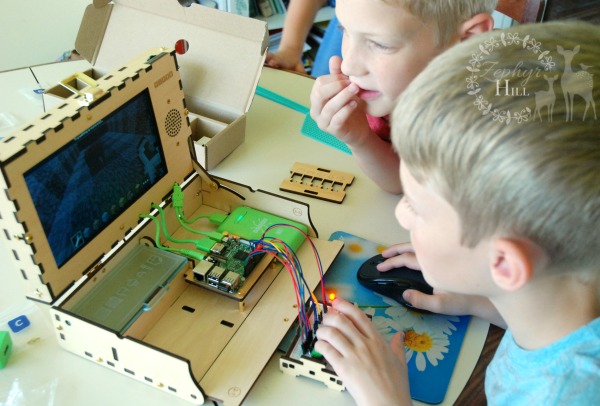
All the tasks are geared towards preventing an asteroid from making contact with Earth. And once the mission is complete, children have the freedom to explore and create in the world of Minecraft. Melding a fixed blueprint with limitless creative possibilities makes the Piper Computer Kit really stand out as a tool that teaches and inspires.
There’s a lot of building involved to get the Piper computer humming, and my boys loved that. Hitting a few roadbumps in the assembly and programming process taught them valuable lessons. Within the program itself, your child can visually see when connections are successfully made; a blinking line shows the electrical pathway is live and functioning. And everything is color-coded to further reinforce the connections.
There’s a balance that has to be reached with educational toys; you don’t want to give everything away, or children won’t learning anything new. You also want to encouraging independent thinking and problem-solving. Piper’s Computer Kit certainly reaches that balance. My boys told me “We didn’t know it took so many different parts to make a computer run!” They even figured out some workarounds, like plugging in our (larger and easier to use) wireless mouse using the USB ports.
We didn’t encounter any bugs or technical problems with the kit, but one drawback is that once it’s built the software is limited and you won’t be able to use this for other typical PC functions. Some of the controls are not ideal either: the mouse is tiny (which is fine for an 8 year old, but not so much for a preteen) and the buttons are not as smooth as those on a standard keyboard.
The Piper Computer Kit is an ISTE 2019 Best of Show Award winner. Ideal for ages 8 and up, it retails for $299.00.